PCChangeTracker Free
A downloadable troubleshooting tool
PCChangeTracker Free is a Windows desktop troubleshooting tool built to help investigate what changed in the system before a problem started.
It does not repair Windows automatically and does not pretend to guarantee exact causality.
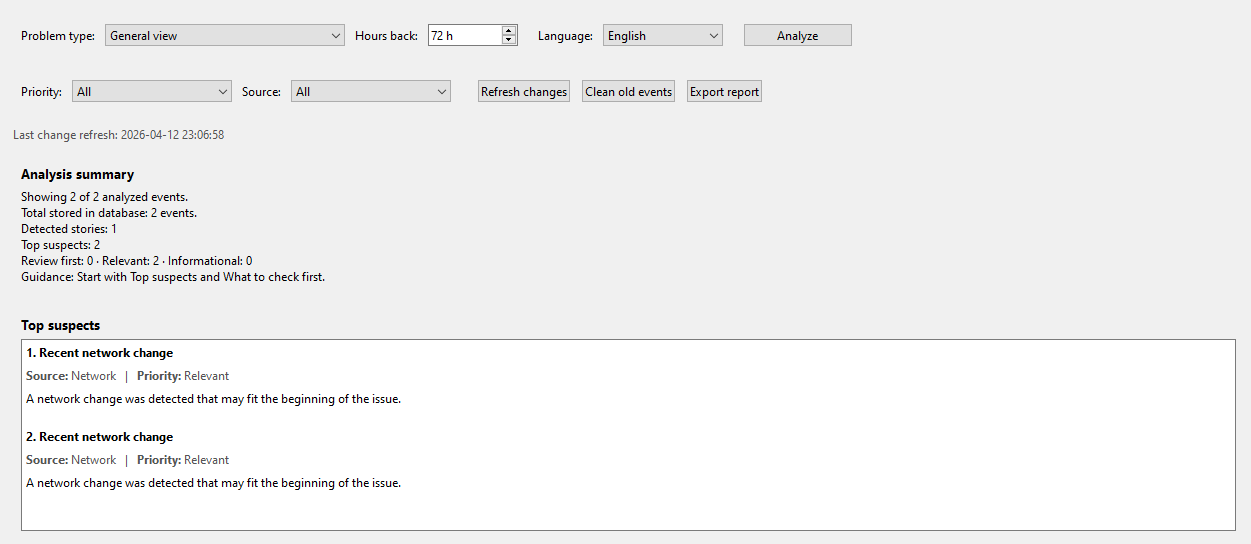
Its purpose is to reduce blind troubleshooting by showing recent system changes, analyzing them according to the selected problem context, prioritizing them, grouping them into meaningful recent-change stories, and highlighting what deserves review first.
## What it can analyze
- Startup
- Network
- Windows Update
- Installed software
- Drivers
- Services
## Problem contexts
- General view
- Network / Internet
- After install or update
- Startup / strange behavior
## Included in Free v1.2
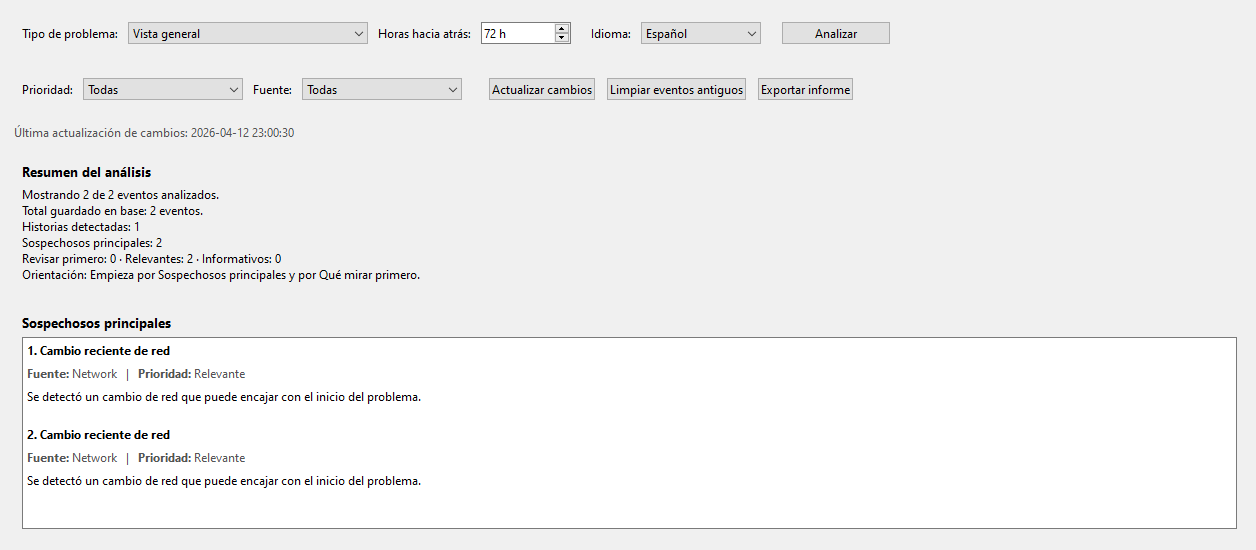
- Spanish / English support
- contextual analysis
- suspicion scoring
- top suspects
- what to check first / next
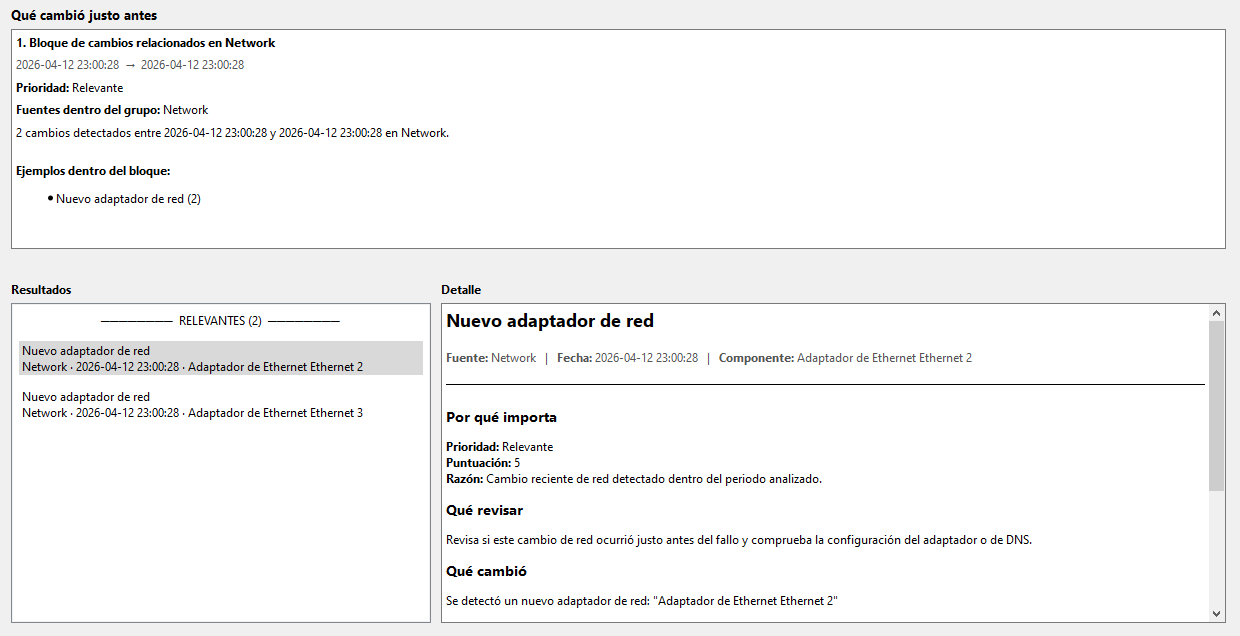
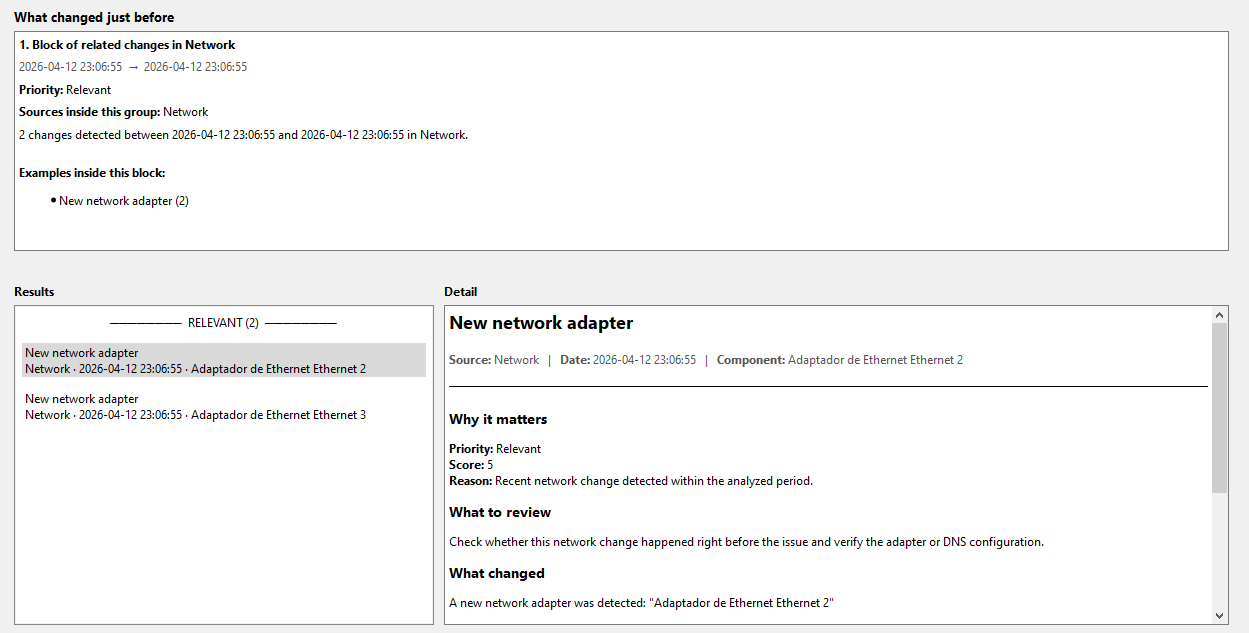
- recent change stories
- simple TXT export
## Important
PCChangeTracker is an investigation aid, not an automatic repair tool.
A detected change is not automatically the exact cause of the problem.
## How to use
1. Open PCChangeTracker.exe
2. Click Refresh changes
3. Select the problem type
4. Click Analyze
5. Review Top suspects, What to check first, and What changed just before
6. Export the TXT report if needed
## Feedback
If you try it, the most useful feedback is:
- what issue you were investigating
- whether the app helped you narrow down what changed
- what part was most useful
- what part felt confusing or noisy
Download
Click download now to get access to the following files:
Leave a comment
Log in with itch.io to leave a comment.